How to Create an Event Request and Receive Relevant Bids on the Someone’s Plan App
Create an event request on Someone’s Plan, receive relevant provider bids, compare profiles, build your Event Basket, and confirm bookings securely.
01 Sept 2026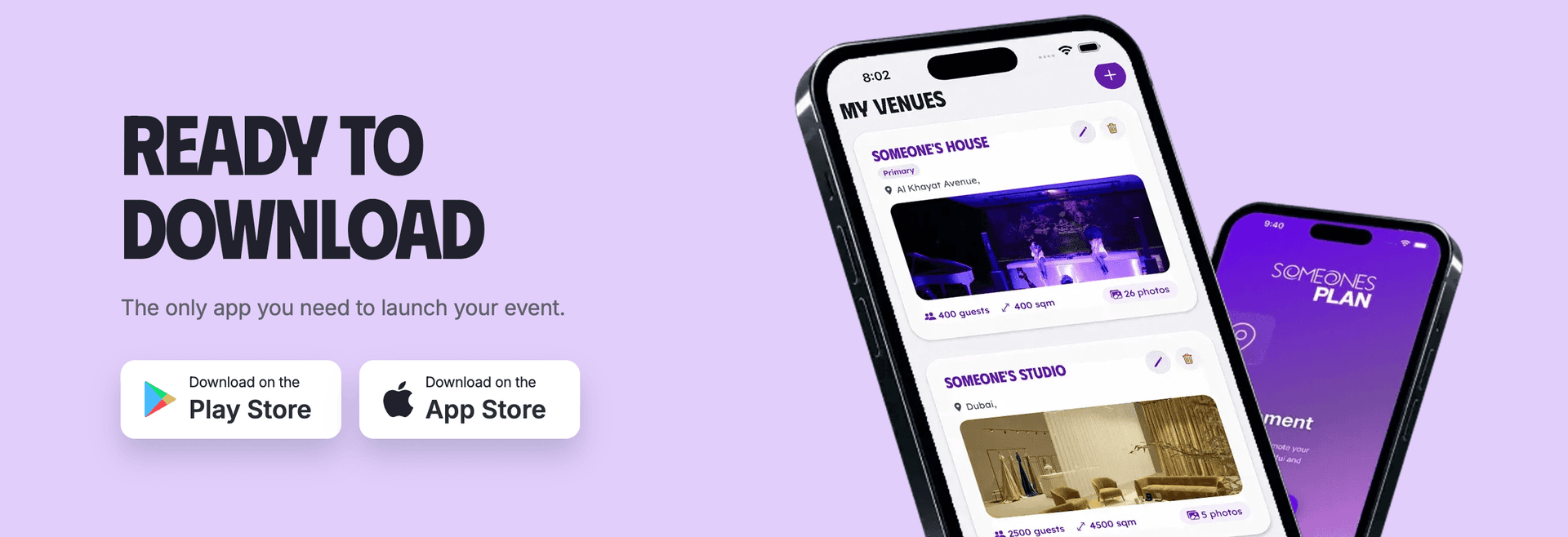
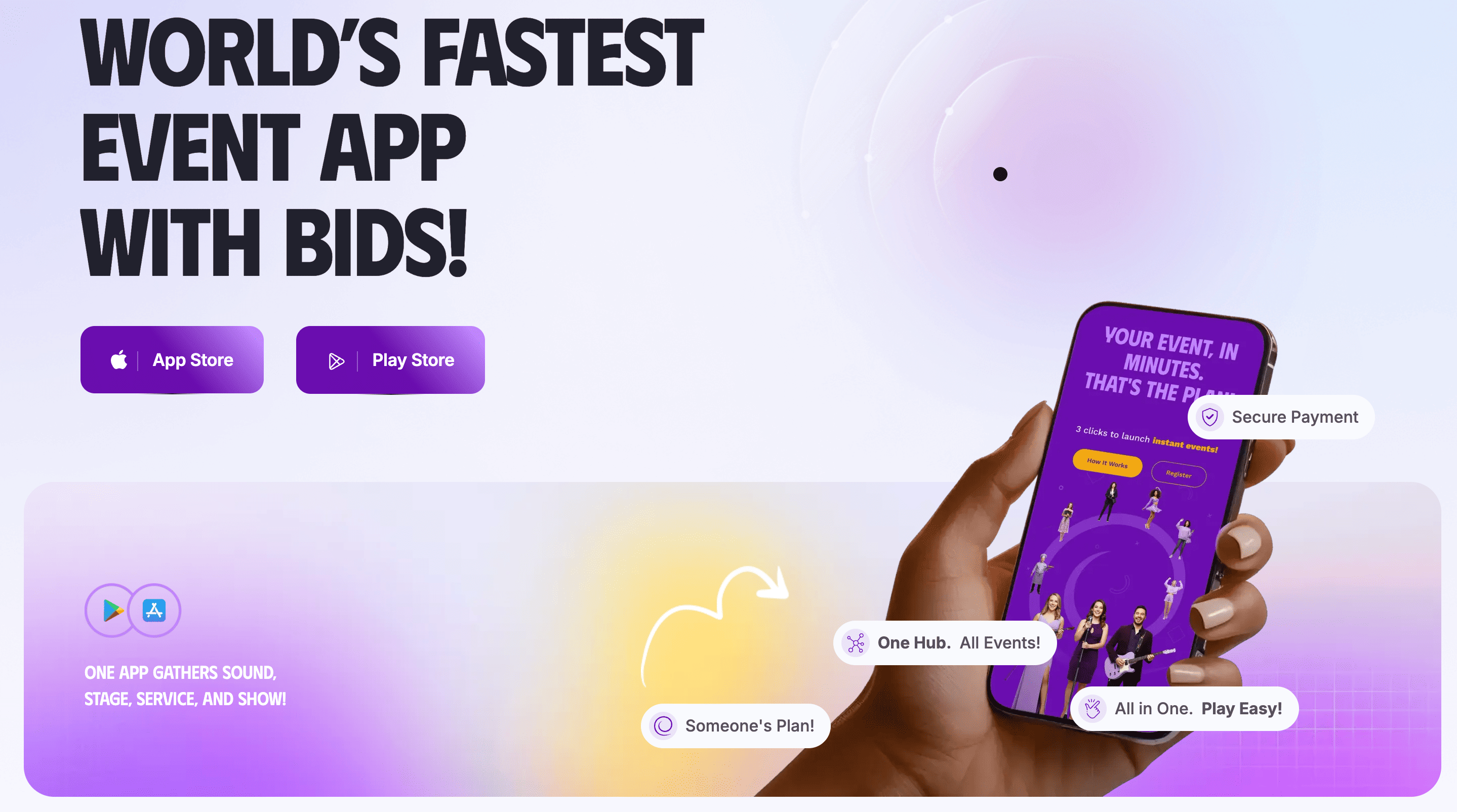
Planning an event can get complicated surprisingly fast. You may need a DJ and a photographer. Your event may also need a venue and food providers. Someone’s Plan starts the process with one event request, so relevant professionals can see what you need and decide if they want to send you a bid.
Instead of contacting providers one by one, you first describe the event. Relevant event service providers then receive the request according to their account details. Interested providers submit their own prices and bid notes. You review the options and choose the one that suits your event.
What Is an Event Request on Someone’s Plan?
An event request is the information you publish when you create an event inside the Someone’s Plan app.
Your request tells providers what kind of event you are planning. It can include the event date and location. The guest count and required categories can also be part of the request.
You may ask for performers or vendors. Venue Providers and Influencers can also join the same event based on what you select.
The request becomes the main reference for providers who receive the opportunity.
Why Use Someone’s Plan to Find Event Service Providers?
Supplier search often takes a lot of time because availability and pricing usually require separate conversations.
Someone’s Plan uses a bidding model.
You create the event. Relevant providers receive the request. Providers who want the job can submit a bid.
The process gives you real offers tied to your actual event instead of general prices from old listings.
You can review provider profiles and portfolio material. Reviews and badges may also help you compare the people who submit bids.
What to Prepare Before Creating Your Event Request
Good event details help providers understand the job.
Start with the date and location. Add the guest count and event type. Think about the provider categories you need.
A corporate dinner may need AV services and photographers. A wedding may require musicians and caterers. A private party may need a DJ and décor.
Equipment requirements can matter too. Musicians may need sound equipment.
DJs may need the venue’s existing system or their own setup.
Useful information gives providers a better base for their bids.
How to Create an Event Request on Someone’s Plan App
Open your Event Owner or PRO Planner account and select the event creation option.
Enter your event information and choose the services you need. Add the date and location. Include guest numbers and relevant requirements.
Select provider categories according to the event.
After publication and platform review, relevant service providers can receive the request. Your event then starts collecting bids from interested professionals.
You can follow the activity through your event dashboard.
How Someone’s Plan Connects You with Relevant Providers
Someone’s Plan uses account information and selected categories to send event opportunities to providers.
A musician’s profile can include performance format and music genre. Duration and event environment can also help determine suitable requests.
Vendor accounts use their registered service categories. Venue listings include details such as capacity and facilities.
The same logic applies to other provider accounts.
Better provider-side profile data and useful event information on your side help
create more relevant connections.
How Event Vendors and Performers Submit Bids
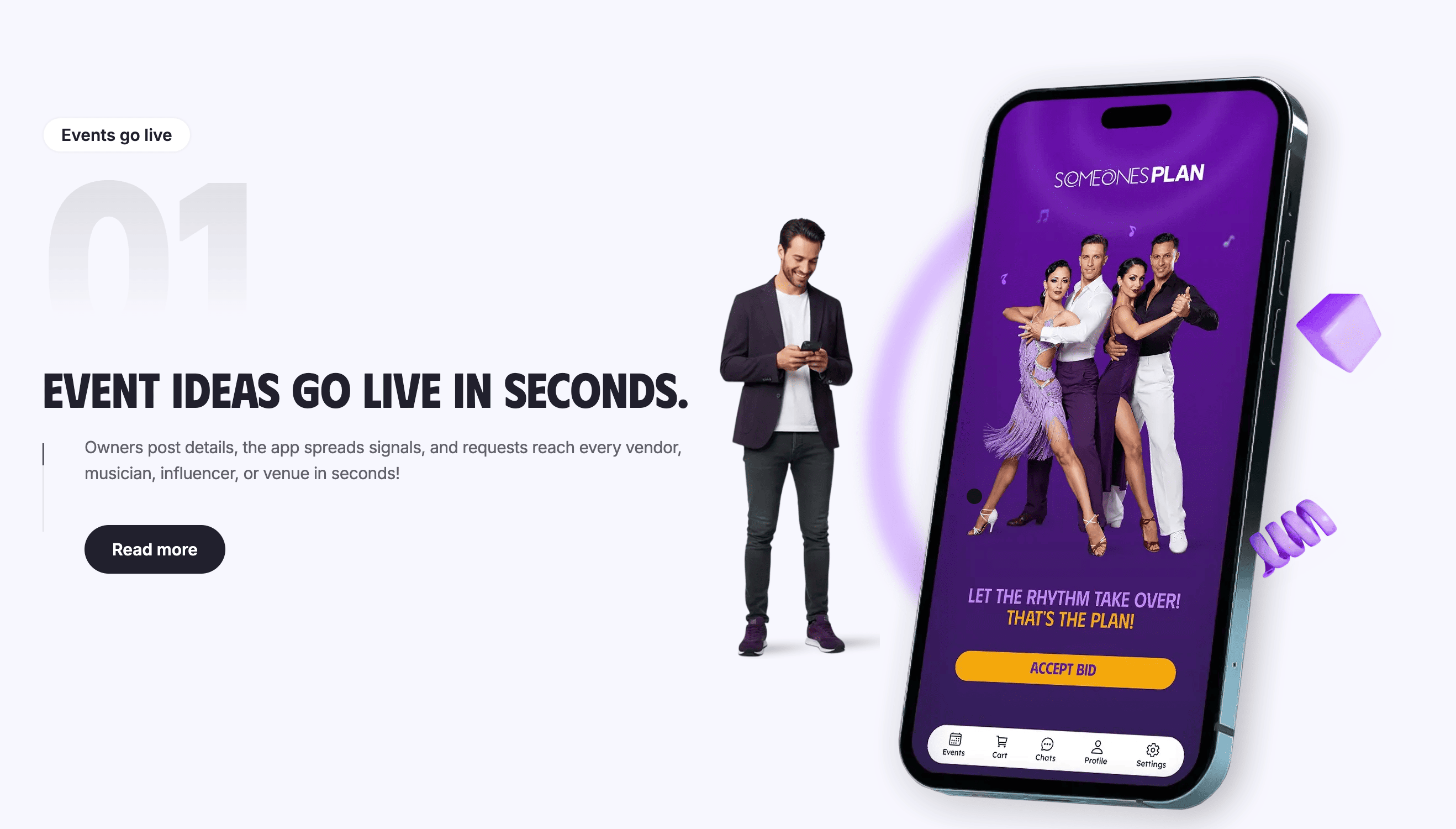
Providers receive a notification when an event request suits their account details.
They review the event information first.
Interested providers then choose their own bid amount and submit an offer. Bid notes can include package details and timing. Travel costs and equipment requirements can also appear when relevant.
Performers can explain set lengths or technical needs. Vendors can state staff numbers or setup details.
Submitting a bid means the provider wants to take part in the selection process.
How to Review and Compare Event Bids
Bids appear inside your event account.
Look at more than the price.
Review the provider profile and portfolio. Check media and reviews. Badge information can add useful context, too.
Read the bid note carefully because two providers may quote different packages.
One photographer may include longer attendance. Another may include an extra photographer. One musician may include equipment. Another may use equipment already available at the venue.
A good comparison comes from understanding what each offer includes.
How to Add Selected Providers to Your Event Basket
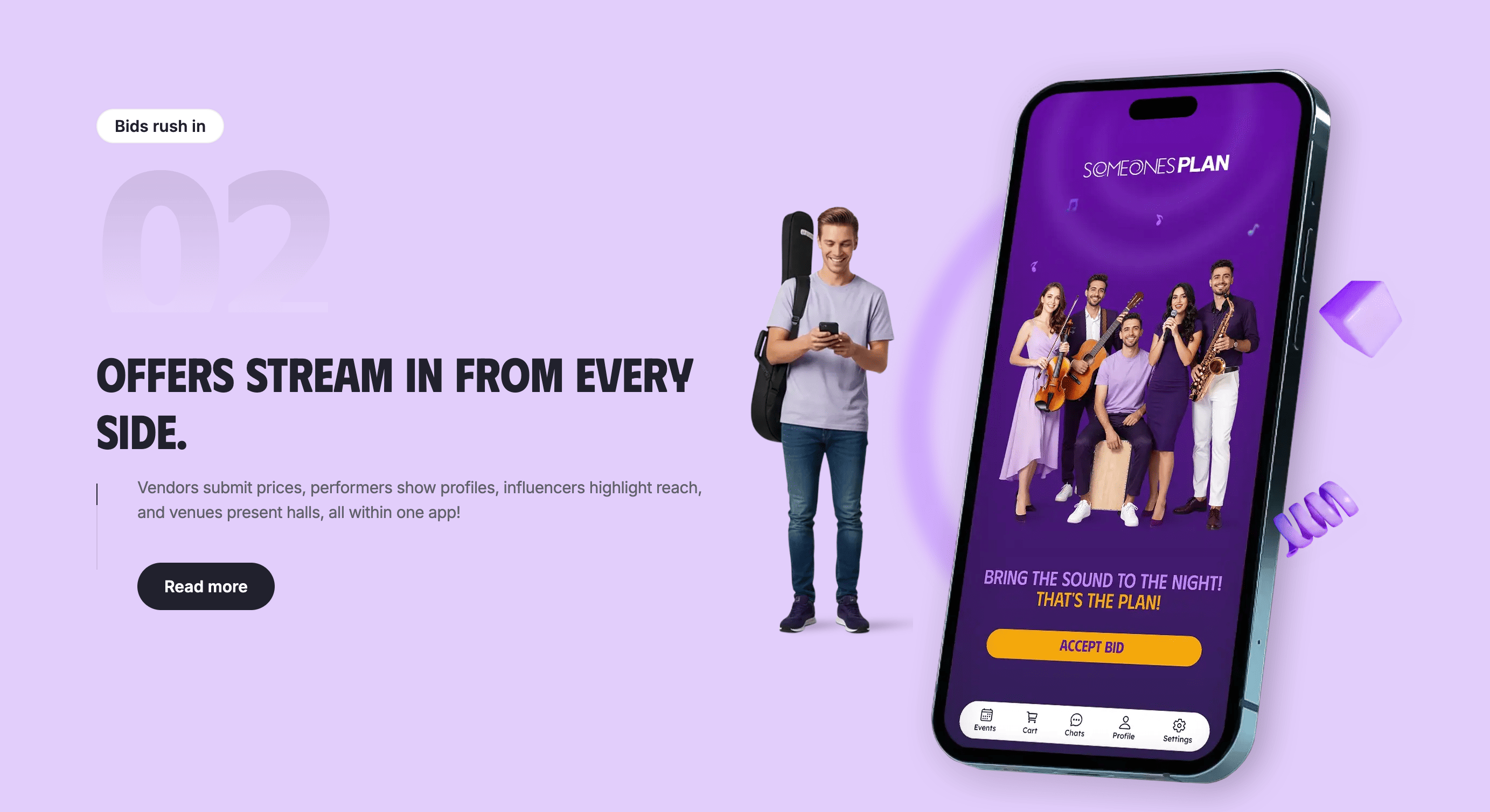
When you find a provider you want to book, you can select the bid and add it to your Event Basket.
Several providers can form part of the same event.
You may choose a performer and photographer. Your event may also include a venue provider and another vendor.
The Event Basket lets you review your chosen providers before checkout.
Selections can still be reviewed before payment.
How Payment and Booking Confirmation Work
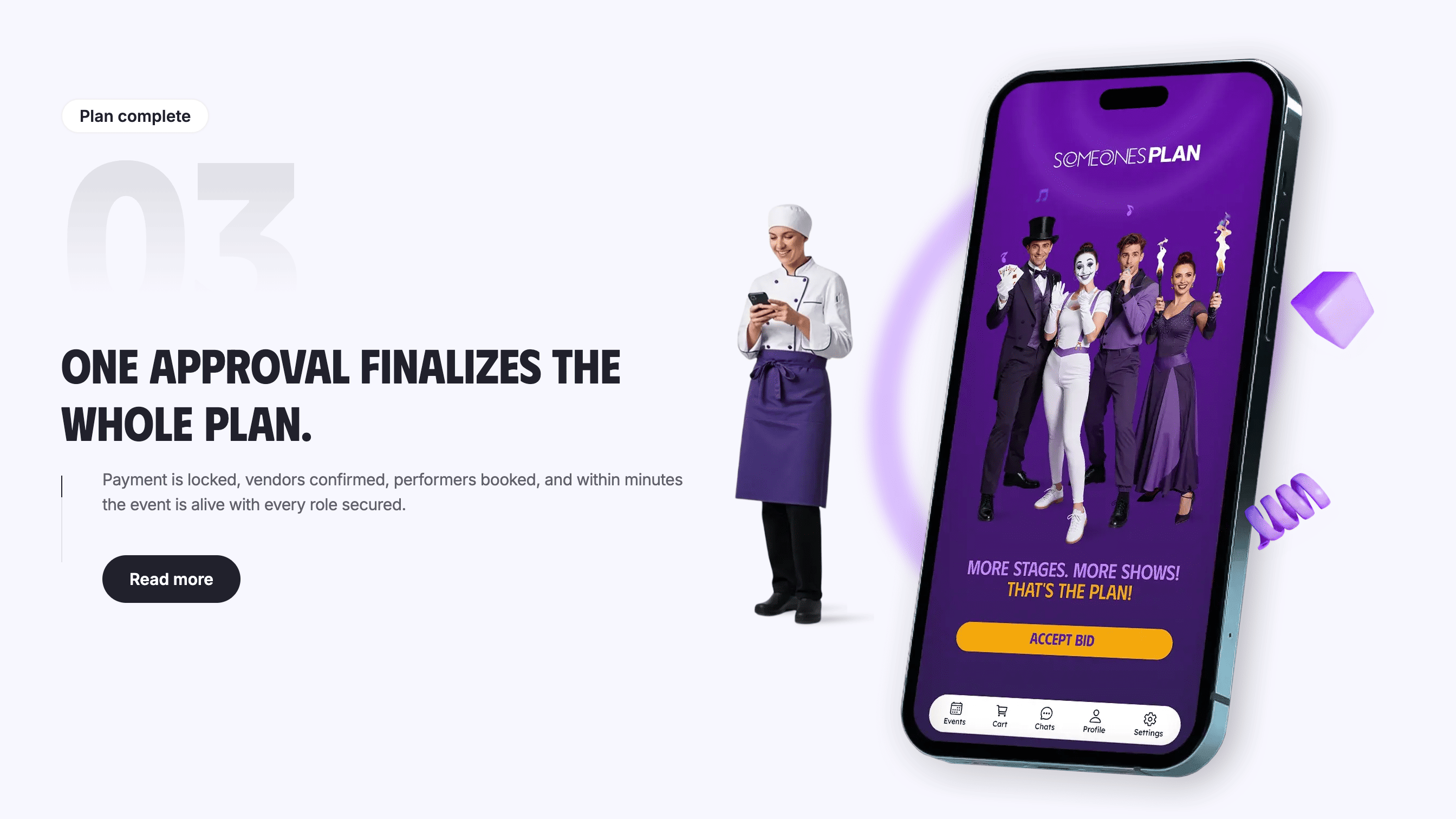
Once your Event Basket is ready, payment is processed through Someone’s Plan.
The platform uses an escrow payment process. Funds stay protected during the booking and follow the platform’s payout rules after event completion.
Service providers usually receive their payout within 48 to 72 hours after the event when payout requirements are complete.
Payment records stay connected to the booking. The accepted bid amount also remains part of the event record.
What Happens After You Accept a Bid?
Once a provider enters the confirmed event process, communication can continue via platform chat based on the booking stage.
Chat gives both sides a place to discuss event details and schedules. Access information and equipment needs can also stay there.
Keeping important agreements inside the event conversation gives both sides a useful written record.
Providers can then prepare for the event in accordance with the accepted bid and final arrangements.
Tips for Receiving More Accurate and Relevant Bids
Better requests usually lead to better offers.
Add enough event information for providers to understand the work. Use an accurate guest count. Select the correct provider categories. Add location details and timing information.
Mention equipment needs when they matter.
Describe the actual work you expect. Vendors can price better when they know the scope. Performers can decide if the event suits their format when performance details are available.
Someone’s Plan works best when both sides have useful information.
You create the event request. Relevant providers decide if they want the opportunity. Bids come back to you with prices and details attached.
Then you choose.
That simple idea is the center of Someone’s Plan: tell the market what your event needs and let relevant event professionals respond.
 Instagram
 Youtube
 Facebook
 Linkedin
 Twitter